What Happens to Your Smart Home’s Data When You Sell — or Buy — a House?
Mike Garabedian opens this episode of Uniqueness… “Built-In” with a confession:
“We’re going to scare the bah-Jesus out of you people!”
Joining him are Brandon Trimble and Chase Wahlquist of Bravas, the low-voltage integrators behind the audio, video, networking, and smart home systems installed in many of the Garabedian Properties’ homes.
This episode is one of the most consequential conversations this podcast has produced — not because it deals in worst-case scenarios, but because the vulnerabilities it exposes are hiding in homes right now, completely invisible to Owners!
Buying a Smart Home Raises Serious Data Questions
Mike traces the origin of this episode to the Nancy Guthrie case, which brought public attention to the fact that cameras, Wi-Fi networks, and smart home systems accumulate layers of data that most people never think about. For Mike, that case triggered a different line of thinking: what happens to all of that data, and all of those system credentials, when one Owner leaves a smart home and another moves in?

Most buyers change a Wifi password and call it finished, but Brandon and Chase explain that is not enough. They explain why the gap between what most buyers do and what needs to happen is where the real exposure lives.
How a Modern Smart Home Works
Before the episode gets into security, Brandon walks through the architecture of a fully integrated home. Nearly every system in the house — televisions, amplifiers, speakers, pool controllers, HVAC, motorized shades, surveillance cameras, irrigation — communicates over the network. Bravas runs most of those connections hardwired rather than wireless because, as Brandon puts it, wireless presents a stability problem that wire does not.
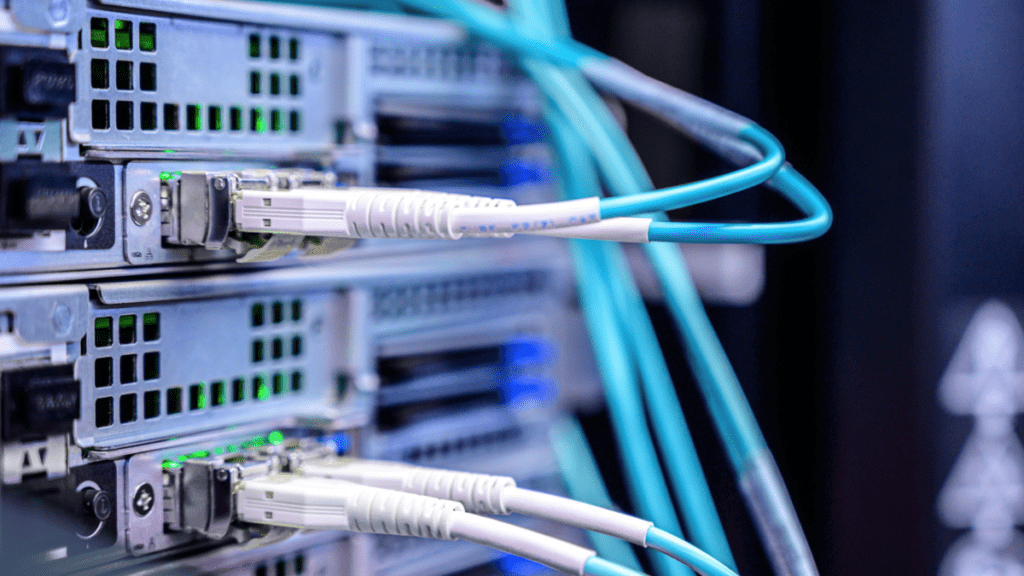
What most Owners do not realize is that a smart home at this level does not run on a single network. Chase explains that a properly configured home typically carries three separate networks running simultaneously:
- A primary network for daily use
- A guest network that allows internet access without visibility into the rest of the home’s devices
- A backend IoT network where smart appliances, thermostats, and other low-bandwidth devices communicate without congesting the primary.
In some installations, there is a fourth: a dedicated service network that gives the integrator a controlled pathway to perform diagnostics and updates remotely. Every one of those networks has its own credentials. That means every one of them is a potential entry point. We told you you would be scared!
Hidden Security Risks in a Previously Owned Smart Home
Chase makes one point early and returns to it often:
“Your network is truly only as strong as your weakest link in the network. So you may have everything done correctly across multiple devices… but we left that one camera in a with default credentials. Default credentials, meaning the credentials I ship with… Now anybody who has access to your network can hit that single switch.”
A home where every major component has been properly configured can still be compromised by a single device left with its factory default credentials. One forgotten network switch — still running the username and password it shipped with — is enough for anyone with access to the network to walk through. The thoroughness of the rest of the setup is irrelevant.
We wish we could tell you this is was hypothetical. Unfortunately, Chase describes an instance where a disgruntled former employee of an integration company still had remote access to a client’s system and used it to wipe the entire installation. The integrators rebuilt everything, but the damage was done — and the Owner had no idea the vulnerability existed until it had already been exploited. Brandon raises a similar concern about integrators who lack deep networking expertise. Networking, he notes, is a genuinely specialized skill even within the smart home industry. A system is only as secure as the knowledge of the person who configured it.
Mike even added his own example: a server installed by a third party that was not properly integrated into the home’s existing network, which later left the entire system exposed to a ransomware attack.
The pattern across all of these stories is not really to scare our Owners (though it might!). It is to help you be aware of the smaller, many times overlooked, aspects of smart homes.
Selling a Smart Home Requires More Than Just a Password Change
Changing the Wi-Fi password when you sell your home is the equivalent of changing the front door lock and leaving every window open. Brandon explains that Bravas performs a full decommission on any home whose Owner is preparing to move out. The process goes considerably further than a password reset.
Every device gets returned to factory default state. That distinction matters because a router, for example, can hold multiple login credentials. Changing the password for one of them leaves any secondary logins intact. If a previous integrator or service technician documented those credentials, they remain accessible even after the password change. Factory defaulting eliminates all of them simultaneously.
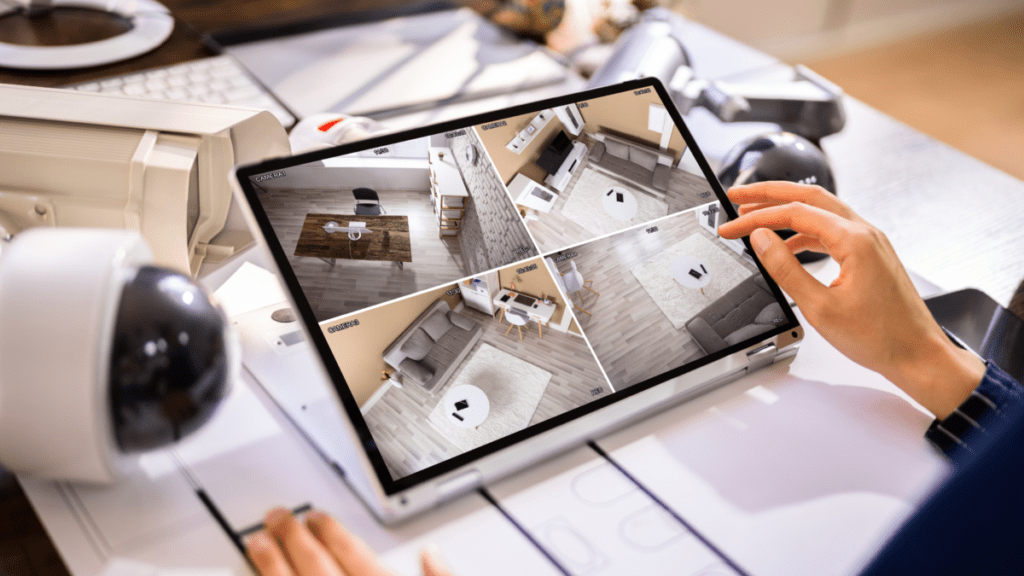
The decommission also extends to the camera system. If the home uses a locally stored network video recorder, the hard drive gets re-formatted during decommission. That wipes all recorded footage from the previous Owner’s time in the home. Privacy in a smart home does not end at the front door. It ends at the rack.
PRO-TIP
Bravas generally recommends over cloud-based systems because the footage is physically present in the home rather than dependent on a subscription.
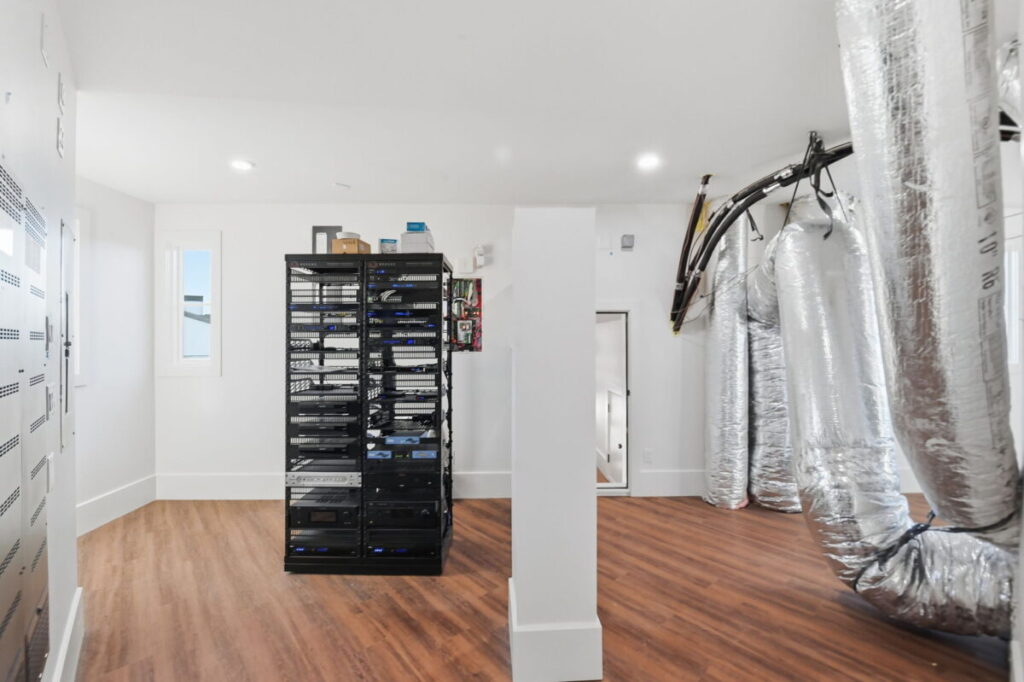
Selling a home without decommissioning it is the equivalent of selling your phone without wiping it. The data is still there. The passwords are still there. Someone else now has physical possession of the device.
What to Do With a Smart Home’s Network Before You Move-In
The inverse process — recommissioning a home for a new Owner — establishes fresh credentials across every network and every device. It removes any prior service access, and replaces it with access granted to the new Owner’s chosen integrator. If the previous home had monitoring in place through one company, that monitoring relationship does not transfer automatically. The new Owner needs to establish a new one.
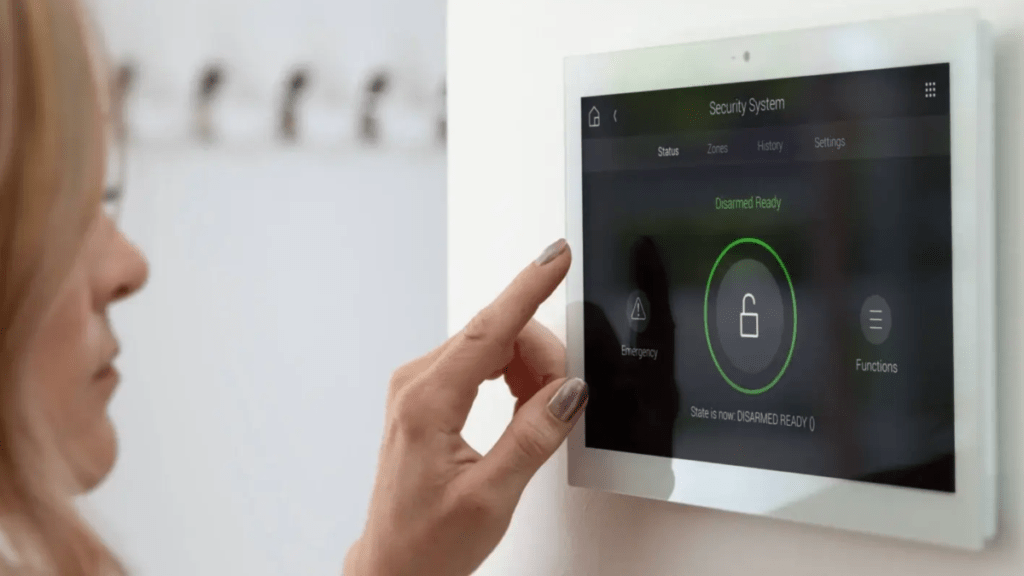
This is also the moment to verify that every device on the network has been properly secured, not merely that the primary password has been changed. Combing the network for devices still running default credentials is standard practice in a proper recommission.
Ongoing Security Maintenance After Buying a Smart Home
Once a home is properly commissioned under new ownership, ongoing monitoring is what keeps it secure. Bravas uses a third-party monitoring service that watches the rack continuously. If an access point drops offline at three in the morning, the monitoring system flags it, a technician attempts a remote fix, and by the time the Owner wakes up, the problem is often already resolved — or a service van is already on the way.
Brandon also addresses a concern he hears from Owners who worry about what their integrator can see: Bravas has service-level access to the network infrastructure, which means the ability to reboot components and run diagnostics. It does not mean access to browsing history, what the children are watching, or what anyone in the home is doing online.
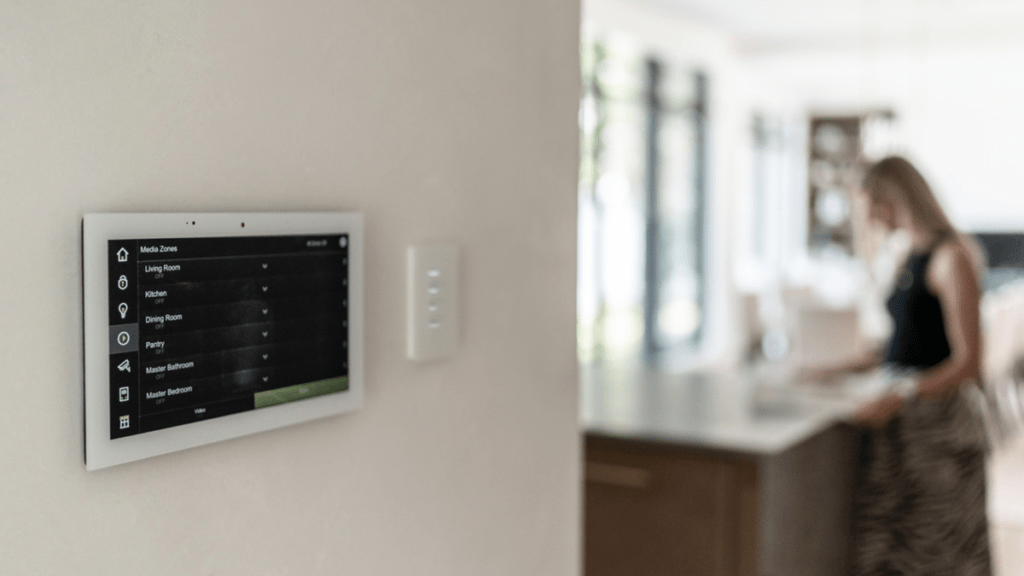
The episode also covers proper reboot protocol, which turns out to matter more than most Owners realize. Electronics need to be rebooted periodically — the network switch, the router, the Wi-Fi access points — and they need to come back online in a specific sequence.
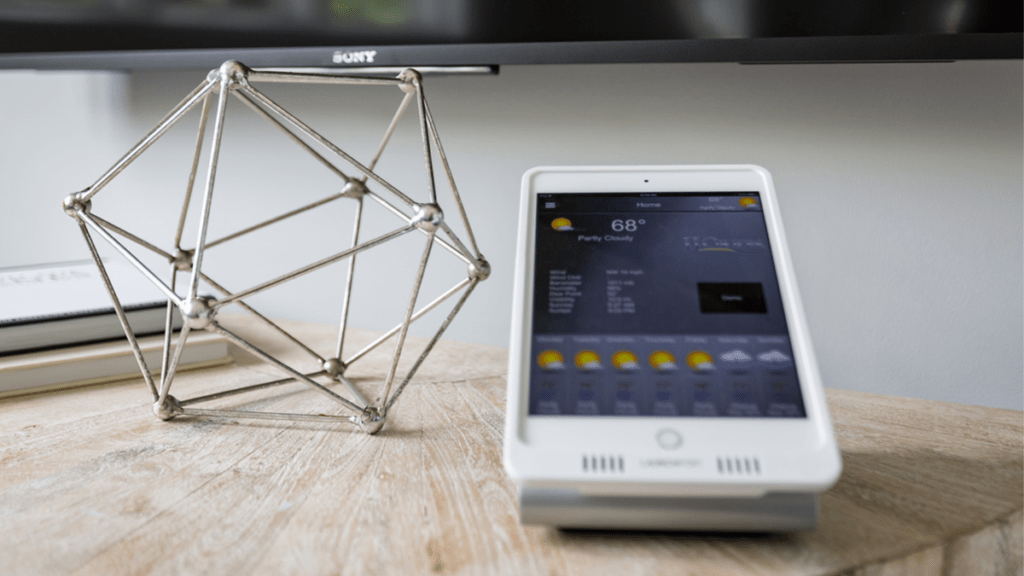
DO NOT UNPLUG YOUR DATA RACK! Pulling the power on a rack without following that sequence can damage components or corrupt the system. Bravas provides Owners with a simple interface that handles the sequence automatically. Pressing one button labeled “reboot Wi-Fi” initiates the correct restart order and includes cooldown intervals that protect the equipment. The Owner never has to find the rack room, locate the right device, or know the correct order. The system manages it.
Camera Systems and Legal Evidence
Brandon closes the episode with something Owners who have camera systems need to understand. If a break-in or incident occurs and footage exists, law enforcement may require that footage to be extracted by a licensed professional. A homeowner who pulls the footage themselves — or who attempts to copy it from the cloud without proper procedure — risks having that footage challenged in court as potentially tampered, regardless of what it shows.
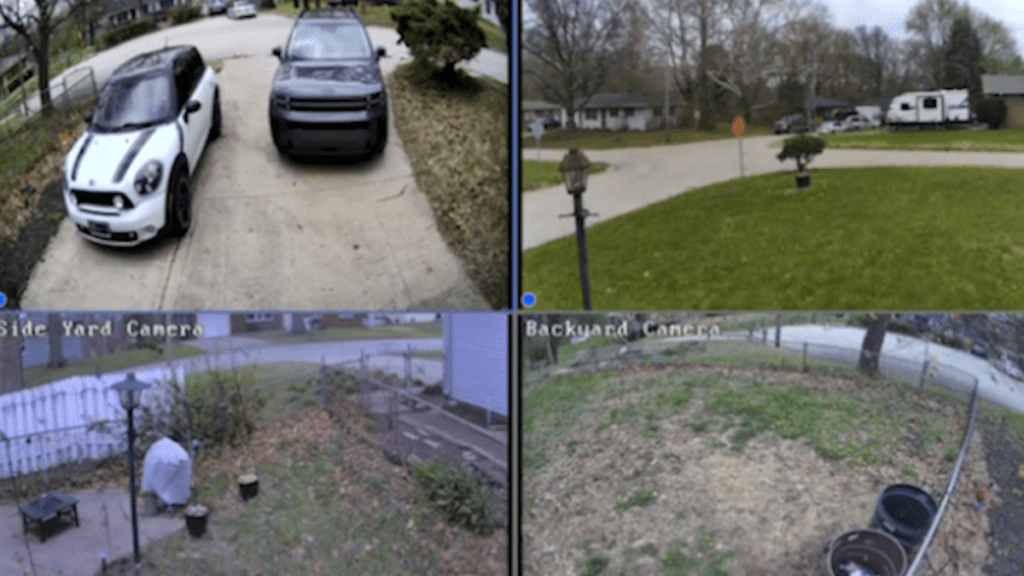
This means the evidence could be inadmissible in court! So, even if you have clear footage of who broke in and stole your TV, or the license plate of the individual who backed up into your motor gate fence, get your integrator to pull the footage for you before you go to the police.
Brandon’s team pulls footage directly from the recorder, formats it correctly, and transfers it in a form that holds up to legal scrutiny. A doorbell camera catches what happens at the front door. A properly designed, multilayered system catches what happens before anyone reaches the front door.
To reach Bravas, contact Brandon Trimble directly: brandon.trimble@bravas.com
To learn more about how Garabedian Properties approaches smart home security in new construction, or to discuss how GEMS can support your estate, reach out to us today:
817.748.2669 | Info@GarabedianProperties.com | GarabedianProperties.com